ON POINT · XTEINK X4 Pro · USB flashing
firmware-x4pro-p.factory.bin Release notes
SHA-256 6451099cf942659e0e110d0c20520fc8e1bb25bc7b9a40e1634549cae090c3f7
Project
An offline departure board for scheduled bus routes.
ON POINT keeps published timetables on the XTEINK X4 Pro and tells you what leaves next, and how long you have, without a network connection. It currently carries seven local P2P and airport bus routes, each taken from its operator’s published schedule.
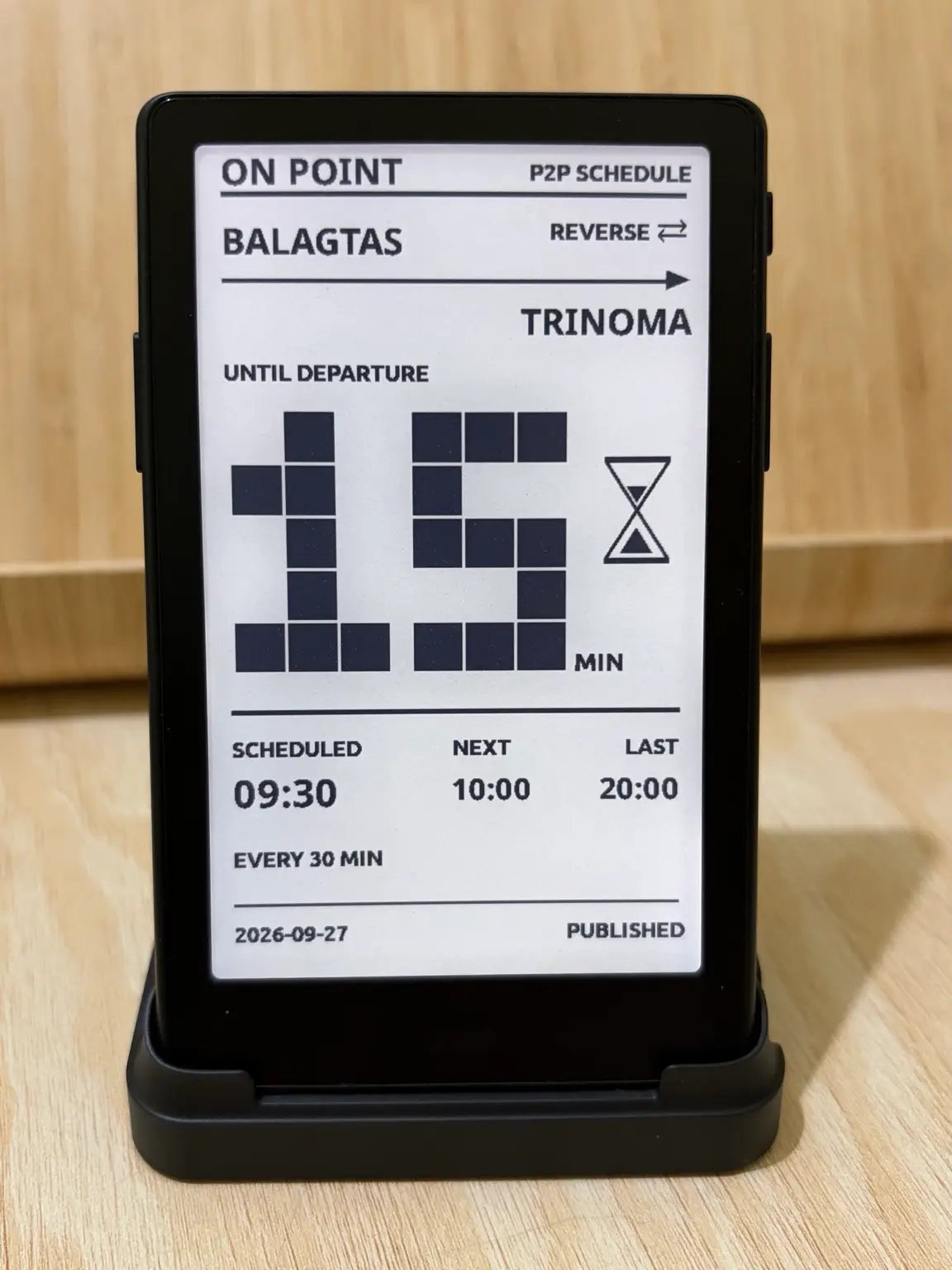
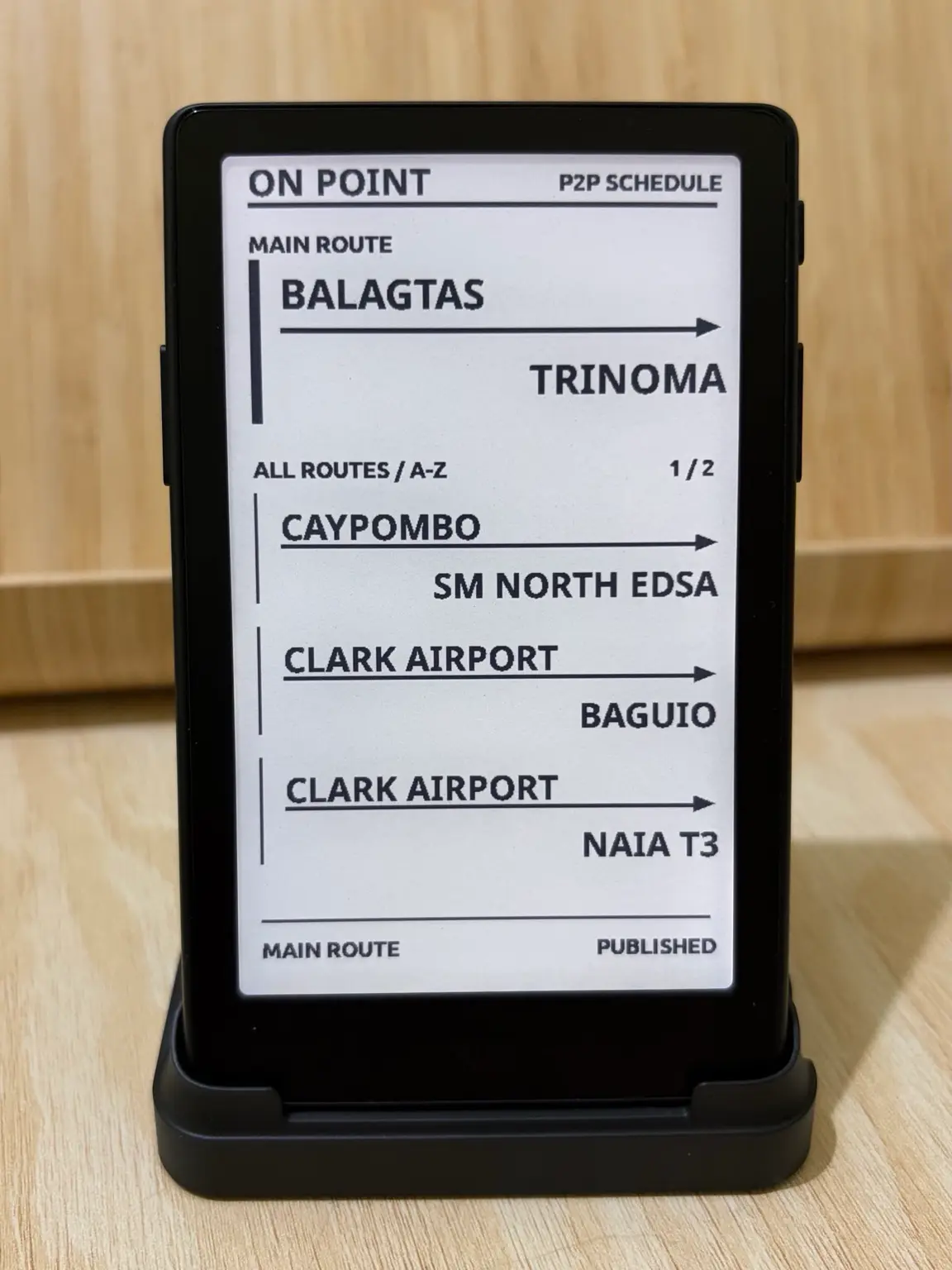
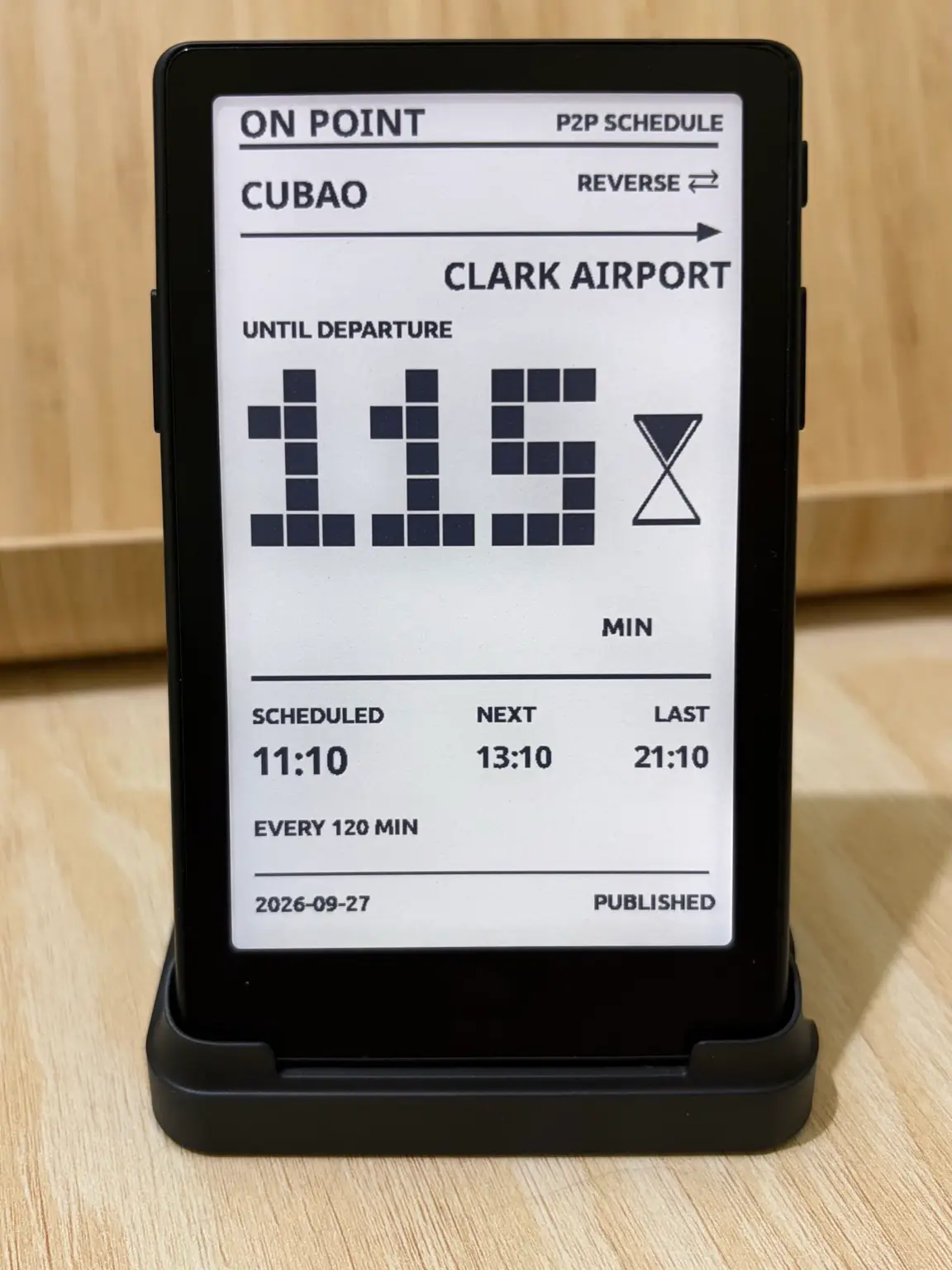
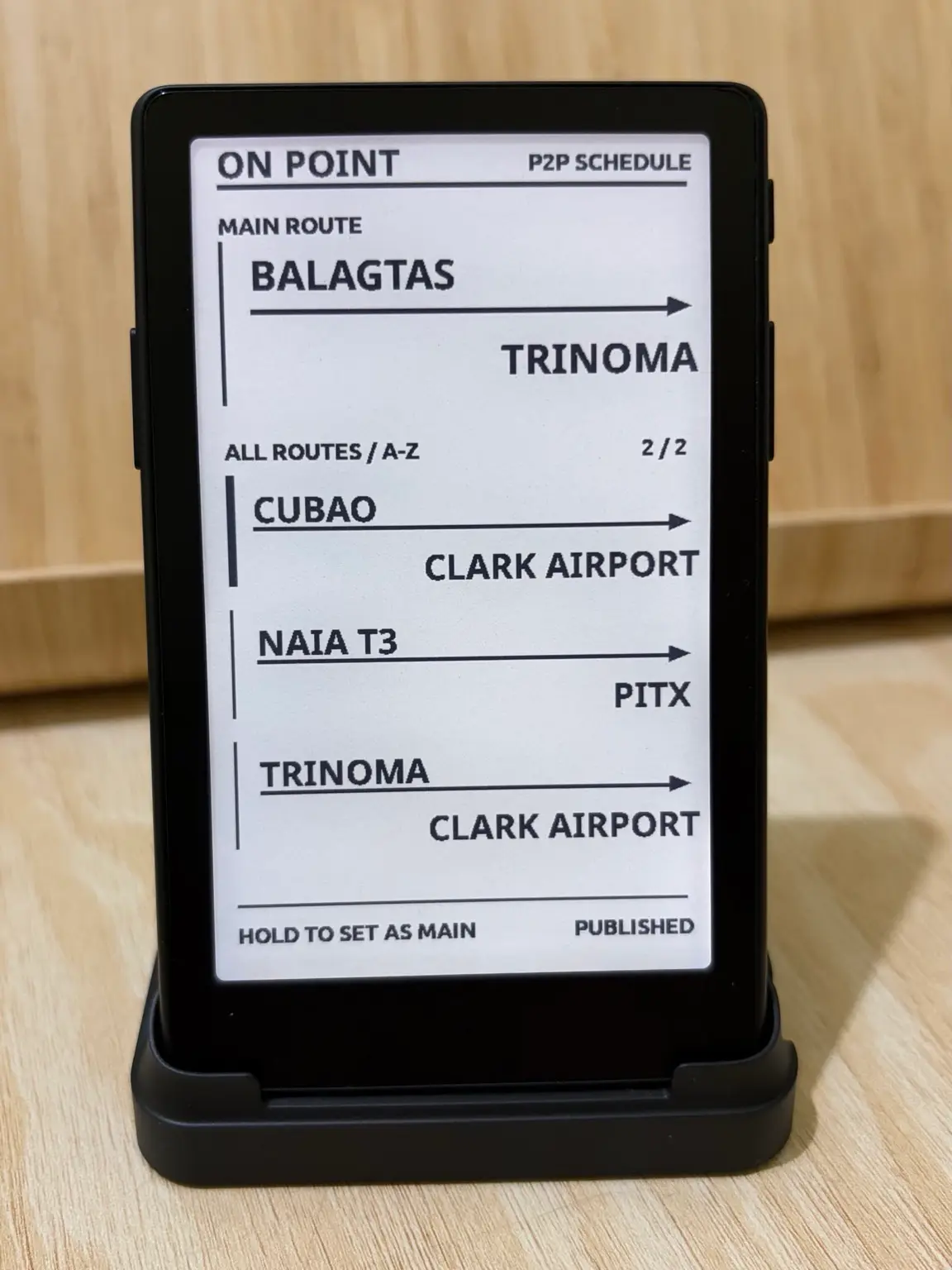
It started with one commute. P2P buses here run to fixed timetables, but those timetables mostly live in operator posts and on terminal signs, and the question at the stop is always the same: when does the next one leave, and is it the last? ON POINT answers that for the routes it carries, from the device’s own clock, with no signal needed.
ON POINT never guesses the time. It reads the X4 Pro’s built-in clock, and if the clock has not been set it says so instead of showing a countdown. Routes from an operator’s own published schedule are labelled PUBLISHED on screen.
The current release includes these routes.
| Route | Operator | Timetable |
|---|---|---|
| Balagtas ↔ TriNoma | Bulacan P2P | Daily |
| Caypombo ↔ SM North EDSA | Precious Grace | Daily |
| Clark Airport ↔ Baguio | Genesis | Daily |
| Clark Airport ↔ NAIA T3 | Genesis | Daily |
| Cubao ↔ Clark Airport | Genesis | Daily |
| NAIA T3 ↔ PITX | UBE Express | Daily |
| TriNoma ↔ Clark Airport | Genesis | Daily |
Public holidays in the Philippines for 2026 use a route’s holiday timetable where it has one. Operators change schedules without notice, so check with them before a trip that matters.
For now, routes come bundled with the firmware. Custom route support is planned.
Runs on the XTEINK X4 Pro running CrossPoint Reader. ON POINT needs a real-time clock to count down to departures, and the original XTEINK X4 does not have one, so it is not offered for the X4.
ON POINT installs on the X4 Pro over USB. Choose ON POINT on its own, or together with GOTO. Either way, it lives in the Apps menu on the CrossPoint home screen.
firmware-x4pro-p.factory.bin Release notes
SHA-256 6451099cf942659e0e110d0c20520fc8e1bb25bc7b9a40e1634549cae090c3f7
firmware-x4pro-gp.factory.bin Release notes
SHA-256 74c68e4fd28d944fd276fad0bea737630d6246db23b7bbb17a383b8c0b704276
/dev/cu.usbmodem101; the guide below covers Linux and Windows.
0x0 with esptool, replacing the port with yours.
ON POINT
esptool --chip esp32s3 --port /dev/cu.usbmodem101 --baud 921600 write_flash 0x0 firmware-x4pro-p.factory.binGOTO + ON POINT
esptool --chip esp32s3 --port /dev/cu.usbmodem101 --baud 921600 write_flash 0x0 firmware-x4pro-gp.factory.bin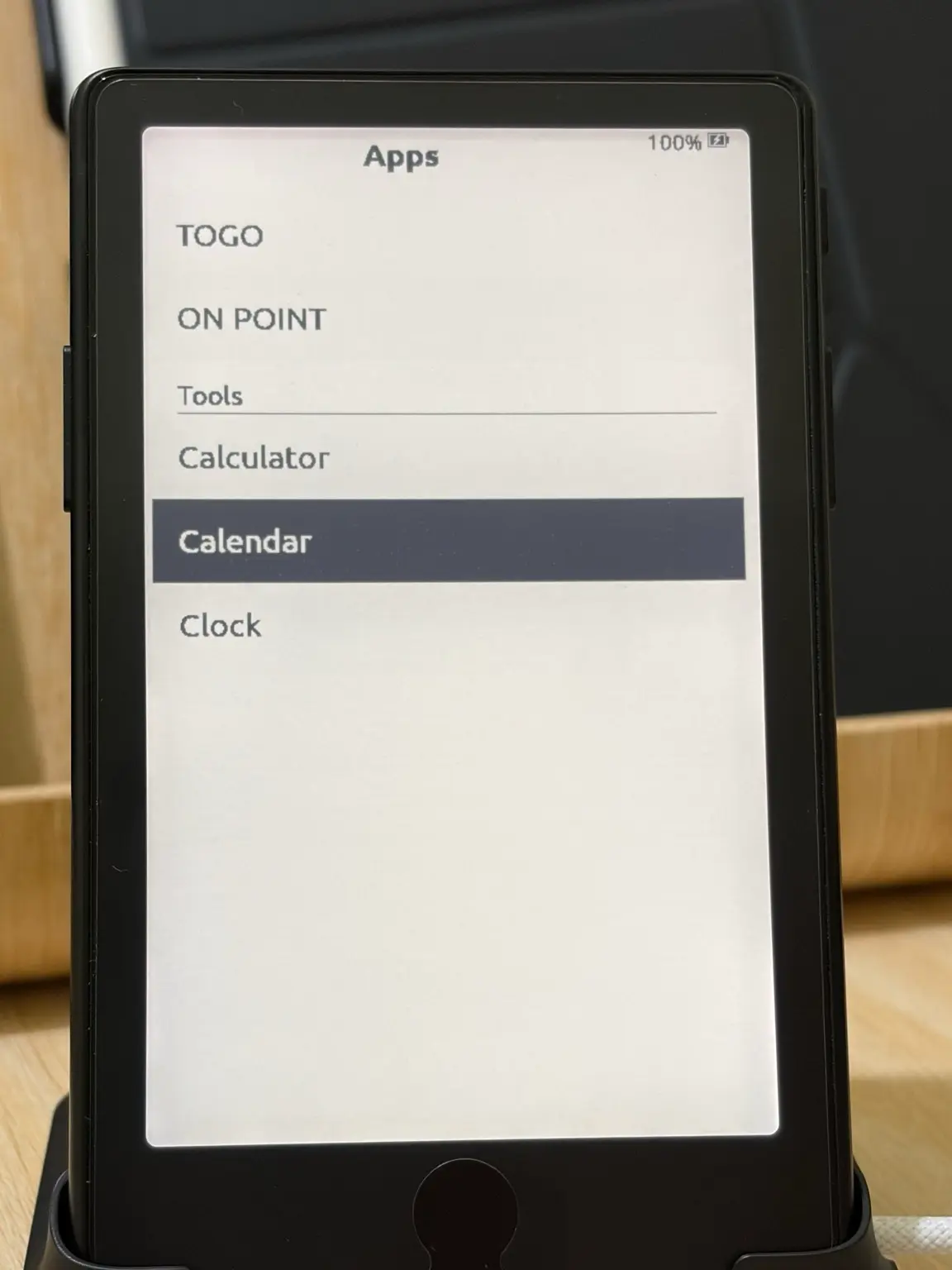
The X4 Pro USB guide covers installing esptool, finding the port and troubleshooting. It is written for GOTO, and the steps are the same with the ON POINT file.
Flashing a factory image replaces the internal firmware and may reset settings and saved Wi-Fi. Your microSD card is not affected. Later releases install over Wi-Fi from Settings → System → Check for updates and keep the package you chose.
ON POINT is an independent project and is not affiliated with the bus operators. Timetables are subject to change by the operators without notice.