XTEINK X4 · microSD update
Installation guide · microSD updater Release notes
SHA-256 6a5ce28338545ab869401a9543317484e48b6863b567be3321d4085417680c12
Project
A limited news reader for e-ink devices.
GOTO/TOGO delivers a limited morning (GOTO) and evening (TOGO) news briefing to e-ink readers running CrossPoint Reader. Open an edition, read a fixed set of story leads, and scan a QR code if you want to continue a story on your phone. That’s it. No endless feed, and no need to read every story in full.
Each edition is a fixed set of stories chosen for that morning or evening. GOTO is the morning paper. TOGO is the evening takeaway. The names play on something being prepared and ready to pick up, with the edition waiting for you when you open it. Once you reach the end, you are done.
Each story has its own Full Story QR code, and the edition ends with one that opens the edition page, with links to every story. Scan it and the whole edition is on your phone.
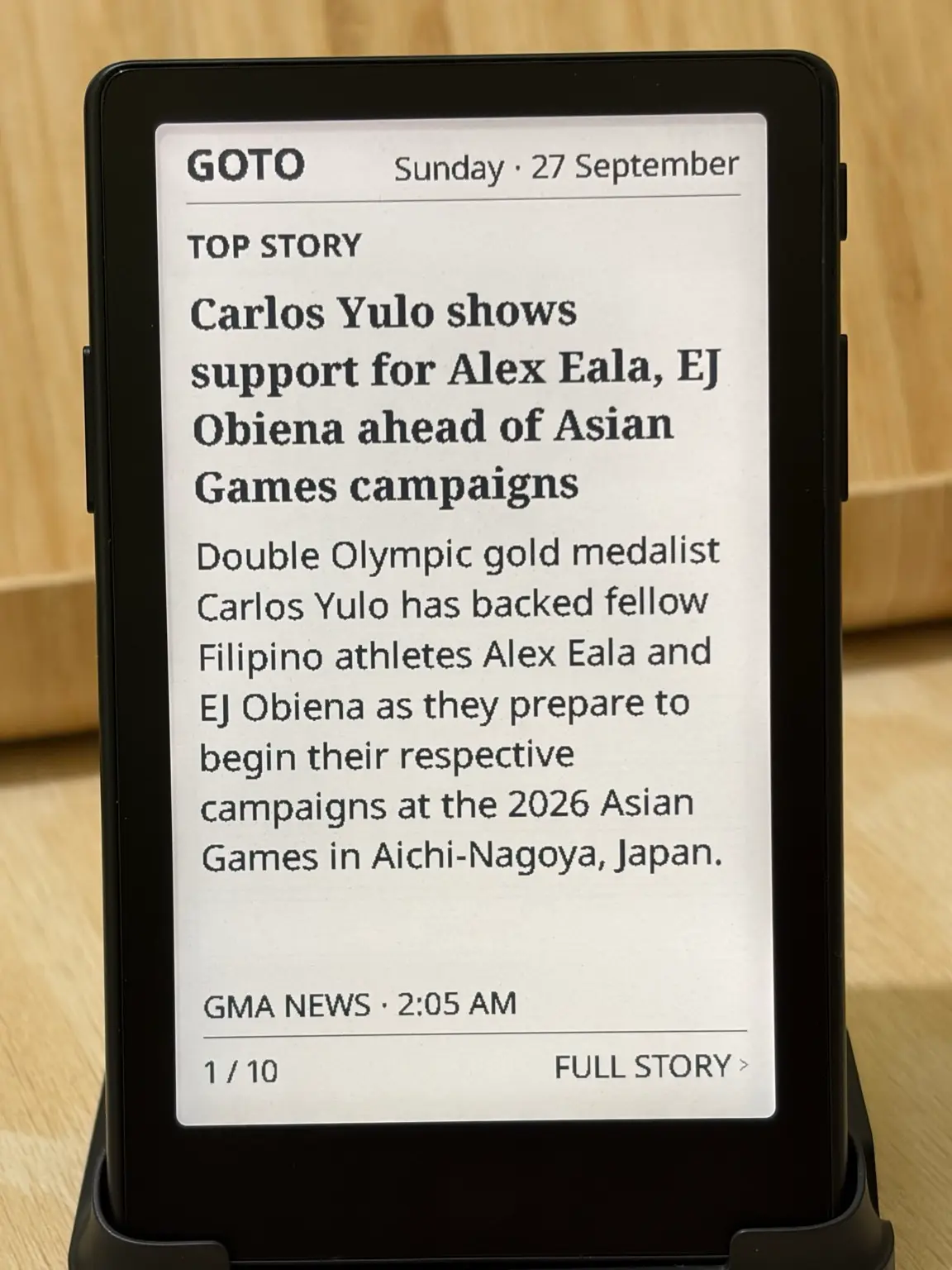
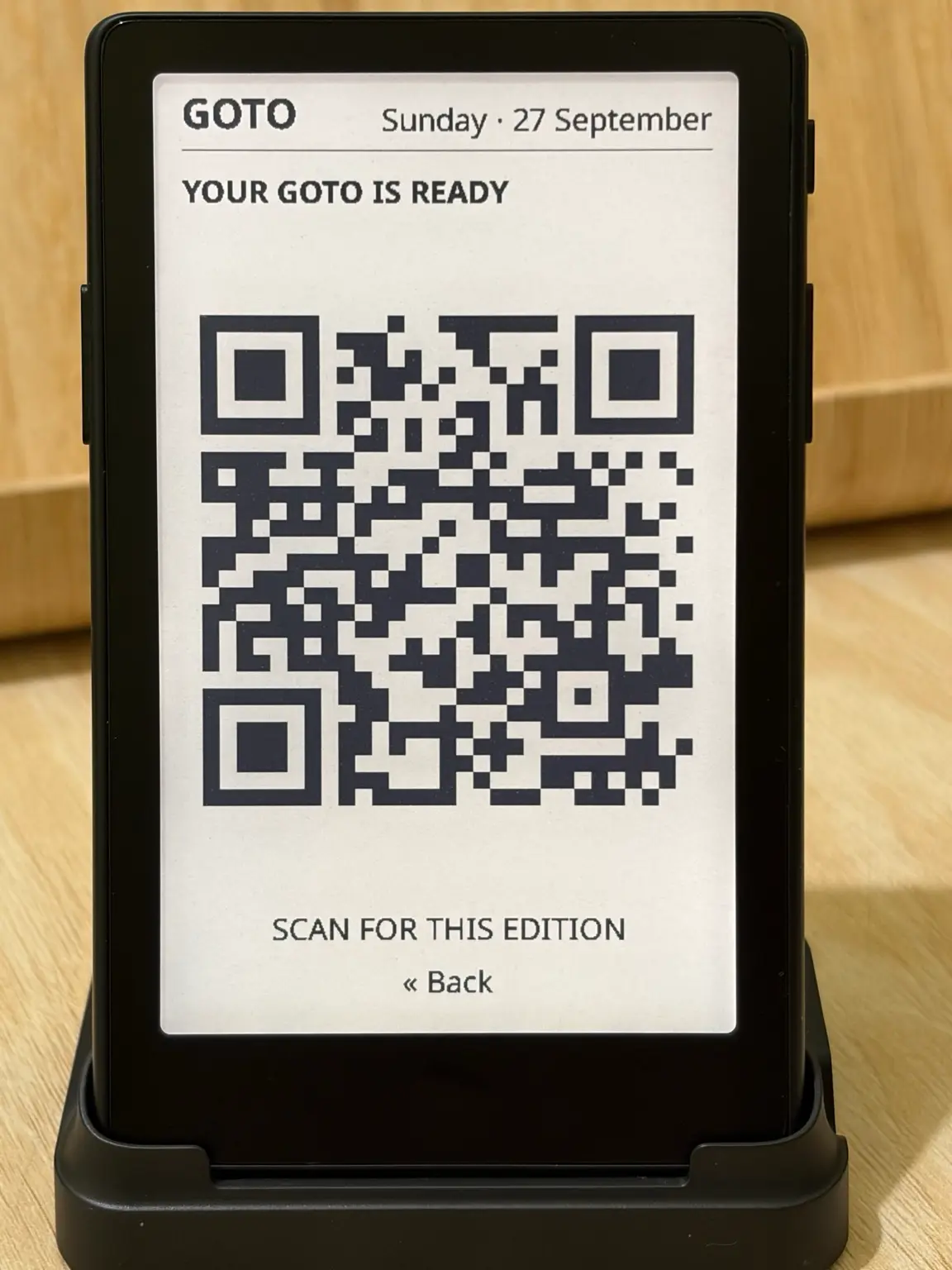
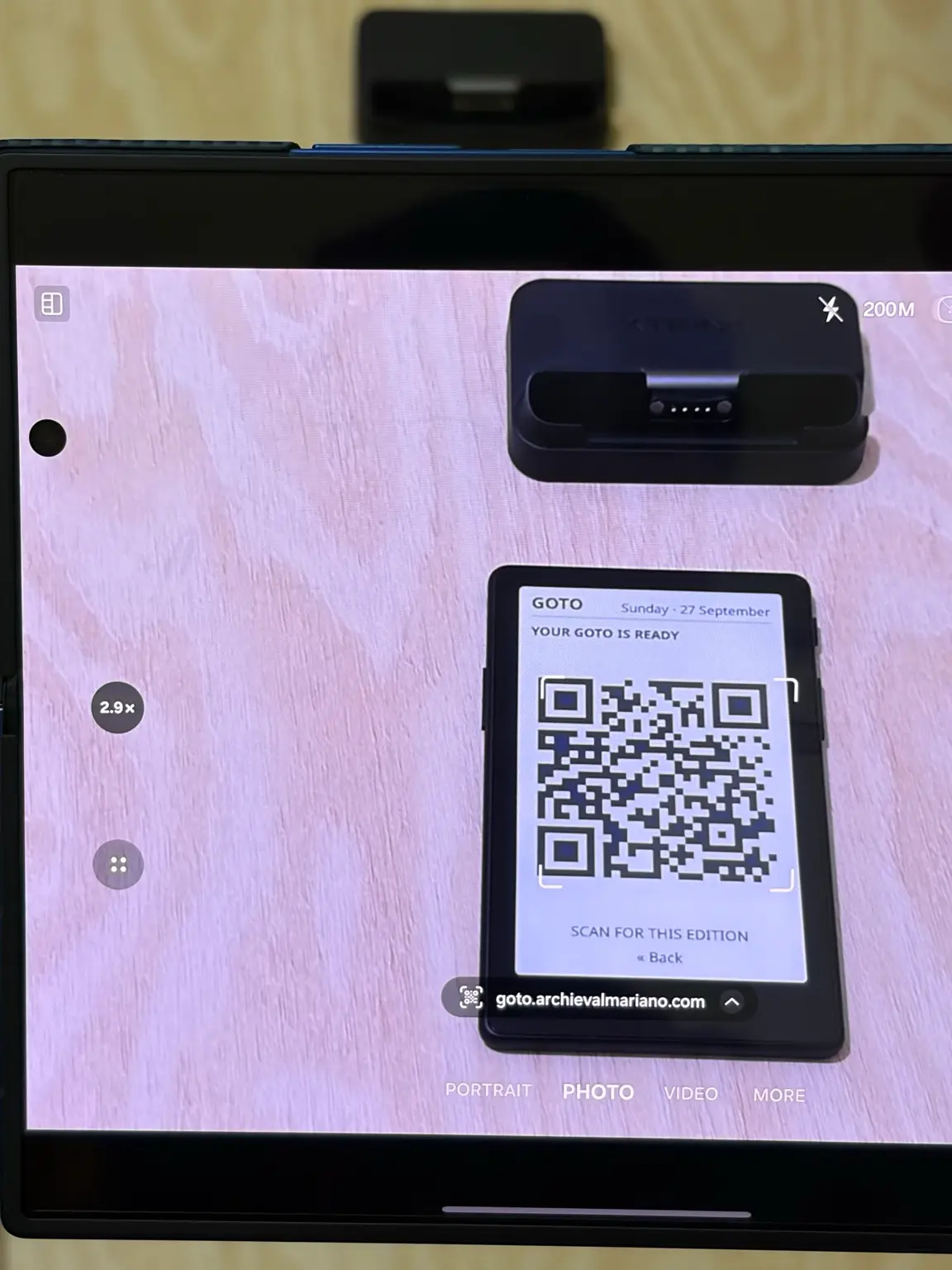
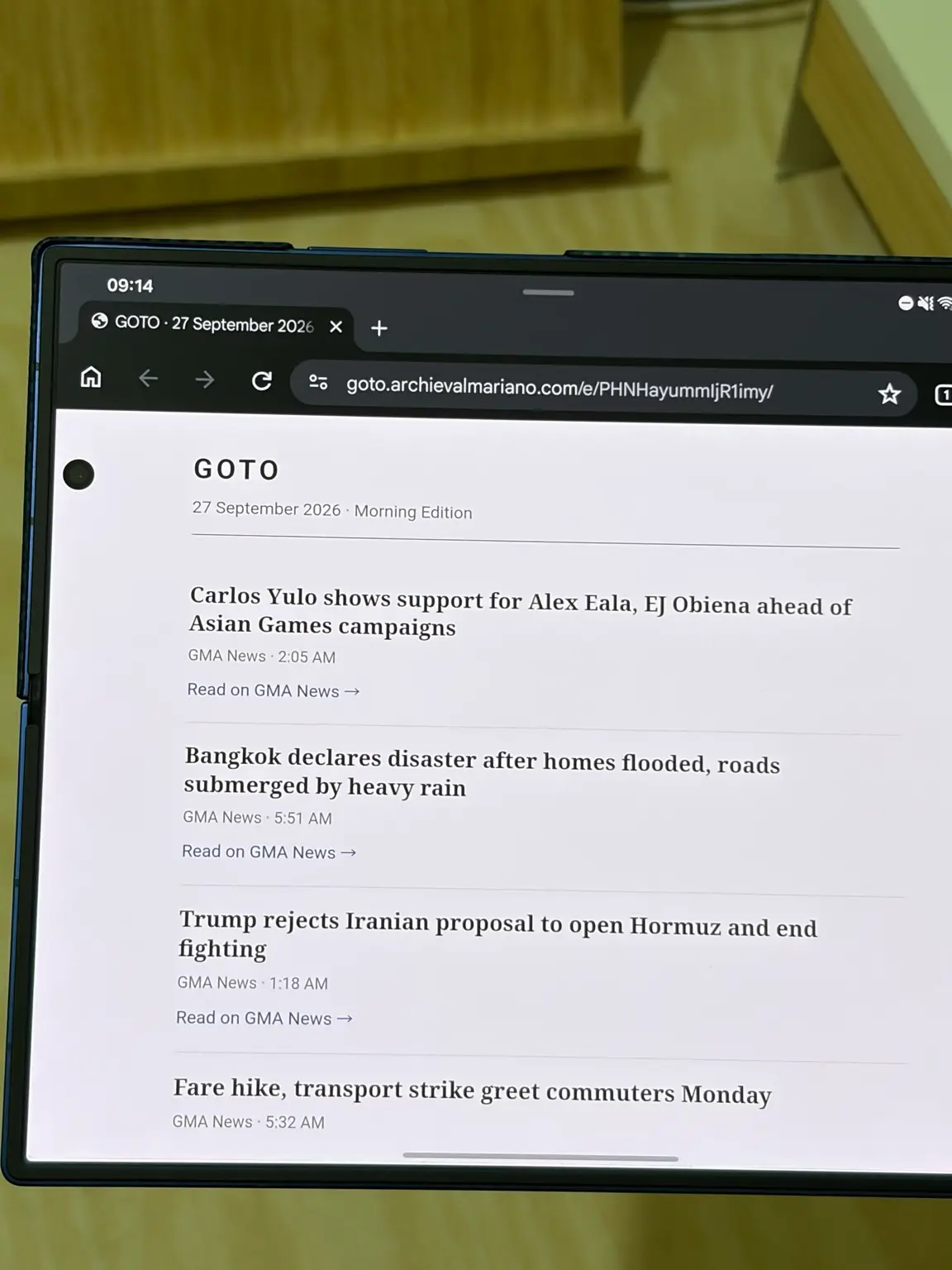
Runs on the XTEINK X4 and the XTEINK X4 Pro running CrossPoint Reader. Not sure which you have? The X4 Pro has a touchscreen and a warm/cool frontlight; the original X4 does not. Support for other CrossPoint-compatible e-ink devices may follow as the project develops.
Project GOTO runs on two devices, each with its own installer. Choose your hardware below. After installing, GOTO lives in the Apps menu on the CrossPoint home screen, and later releases install over Wi-Fi from Settings → System → Check for updates.
Installation guide · microSD updater Release notes
SHA-256 6a5ce28338545ab869401a9543317484e48b6863b567be3321d4085417680c12
Installation guide · USB (esptool) Release notes
SHA-256 f486aac8d4b189f6d9a2eb31810b96fee15530aaeded9e09eaee3bfb69aafe7d
Also want ON POINT, a P2P bus departure board? The X4 Pro has a combined
GOTO + ON POINT package, firmware-x4pro-gp.factory.bin, in the
same release.
firmware-x4-g.bin.See the full X4 installation guide for details.
On the XTEINK X4 Pro, installation is over USB (direct flashing) instead — see the X4 Pro installation guide.
If Wi-Fi is not connected when you open GOTO, it opens CrossPoint’s Wi-Fi screen first. Connect for the latest edition, or press Back to read the last saved one.
Project GOTO is still in active development. The current version uses GMA News as its source.
Part of Archieval Mariano’s e-ink / CrossPoint projects. Stories and reporting remain with their original publishers.