Project
Tools
A calendar, a calculator and a clock that come with every install.
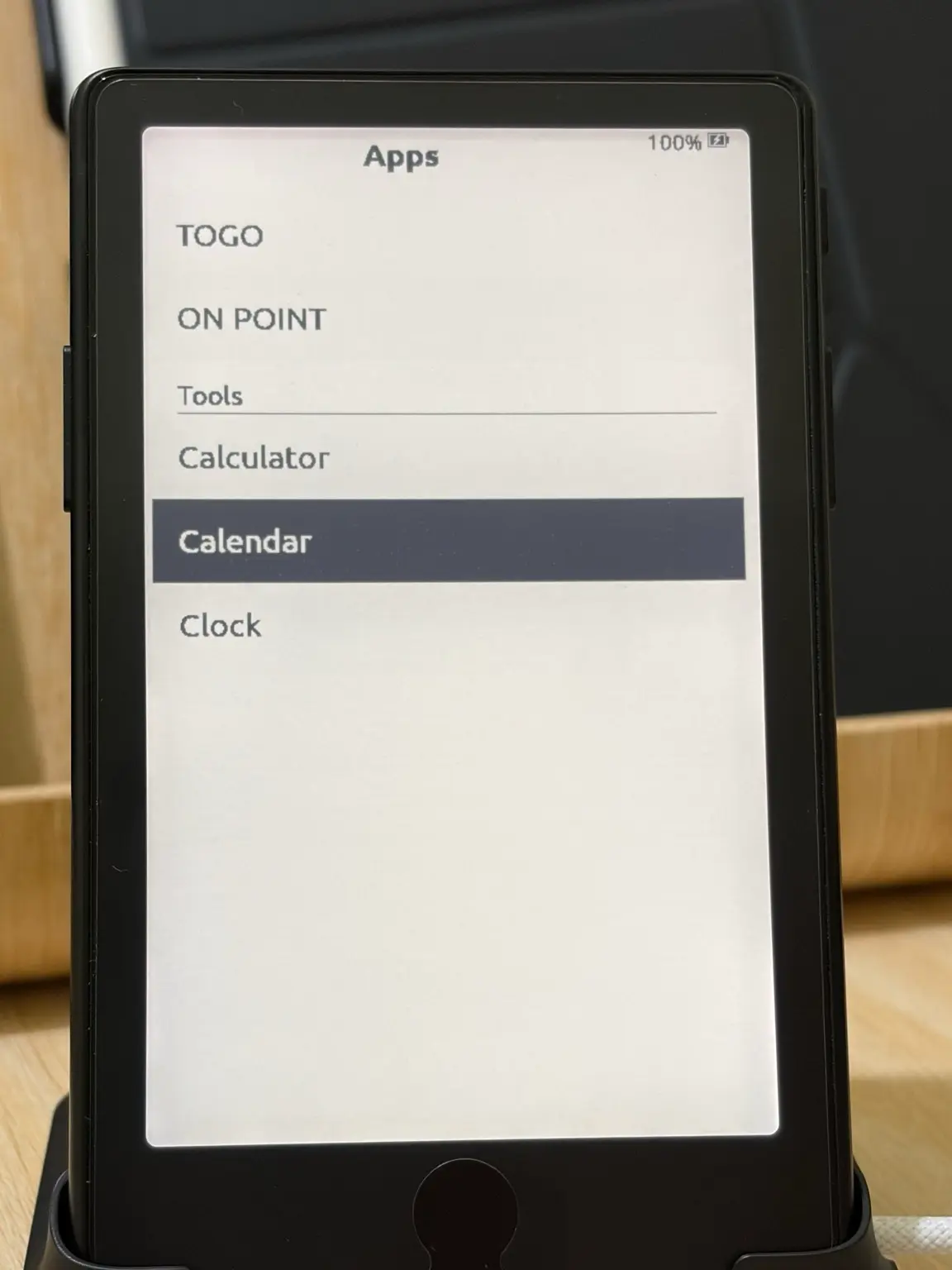
Tools is the base layer under GOTO and ON POINT: a few everyday apps that work offline and stay out of the way. You don’t choose it separately. Whichever package you install, Tools comes with it, and your device decides what it can run.
What’s in it
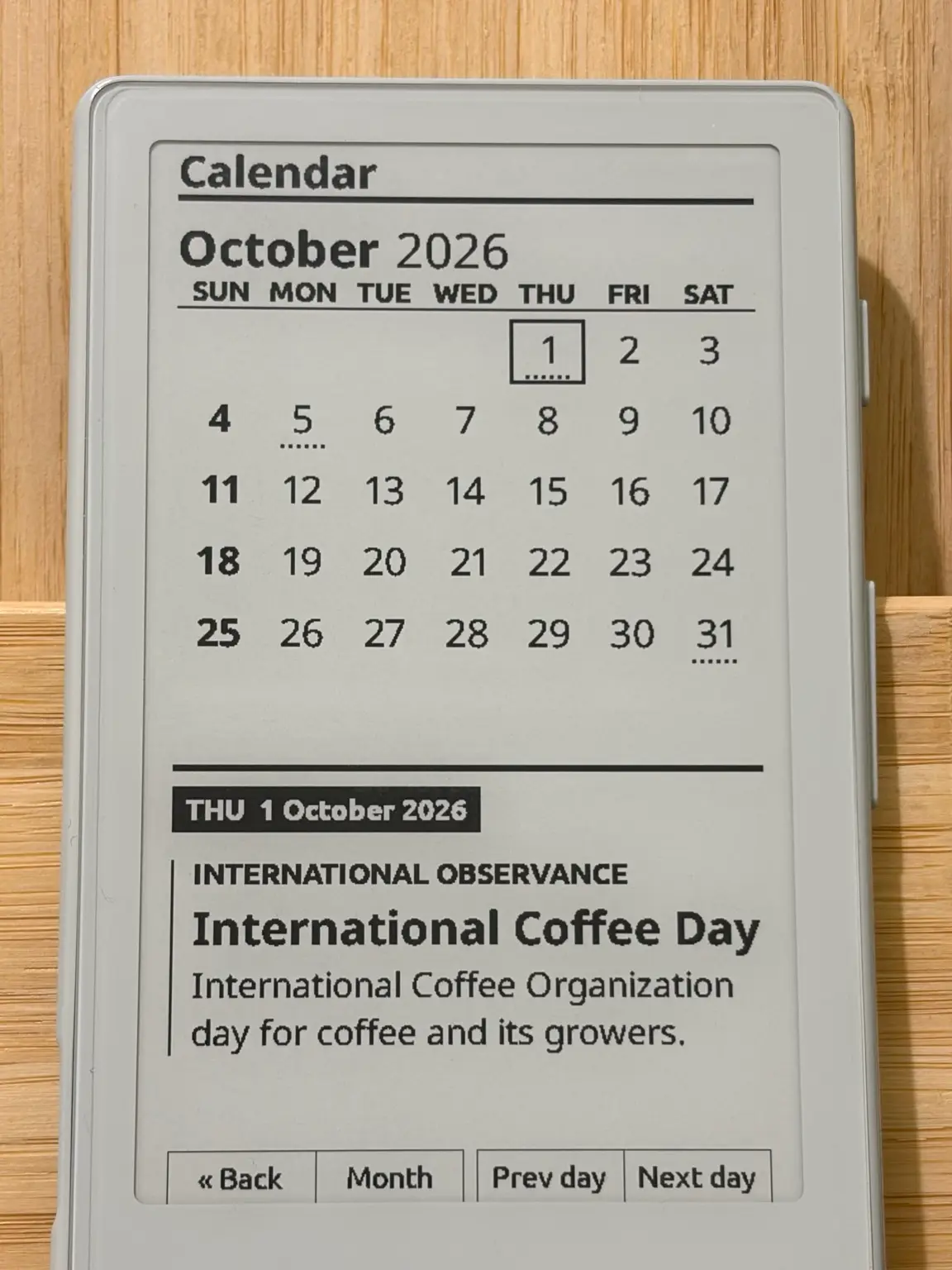
- Calendar
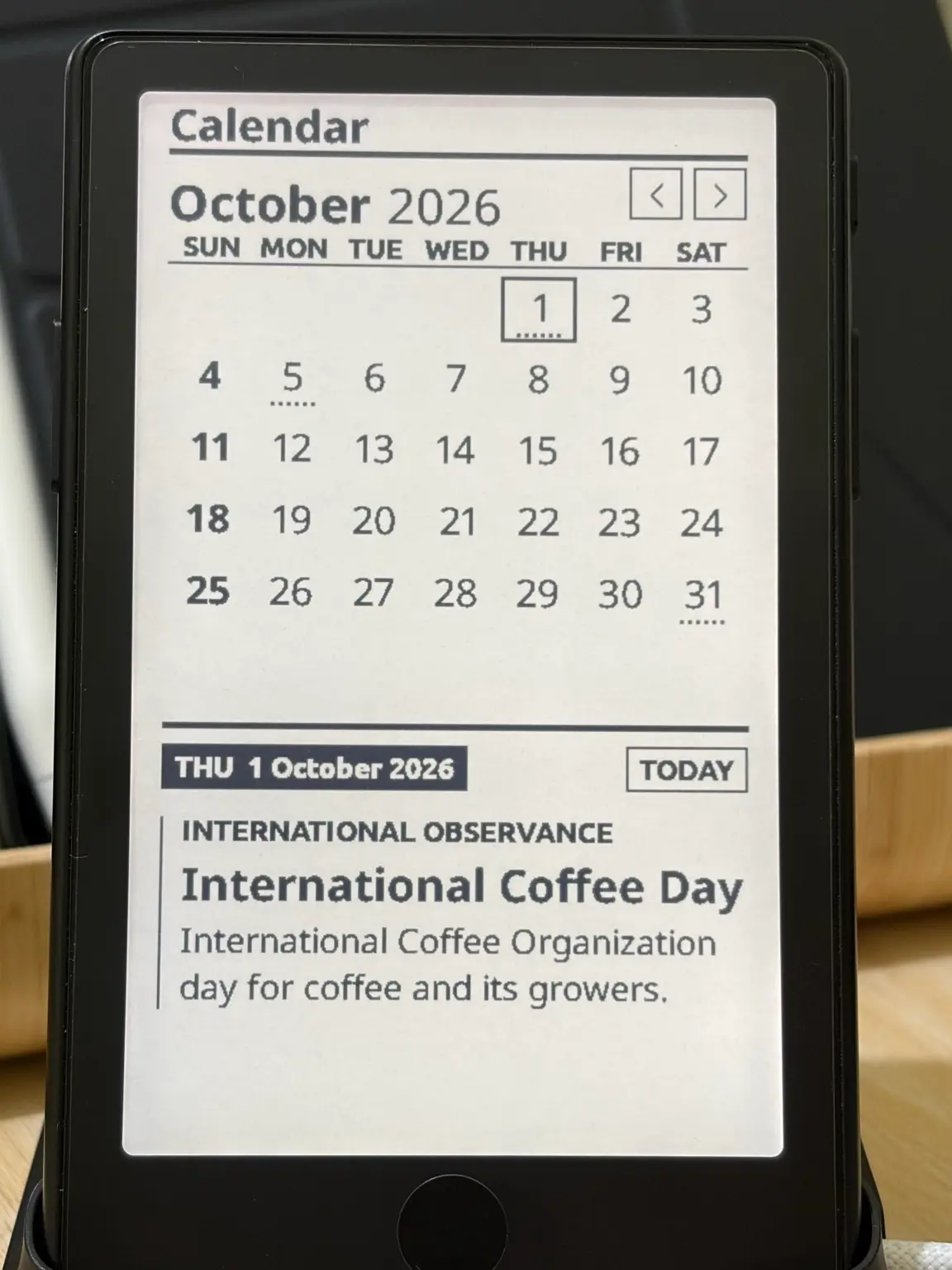
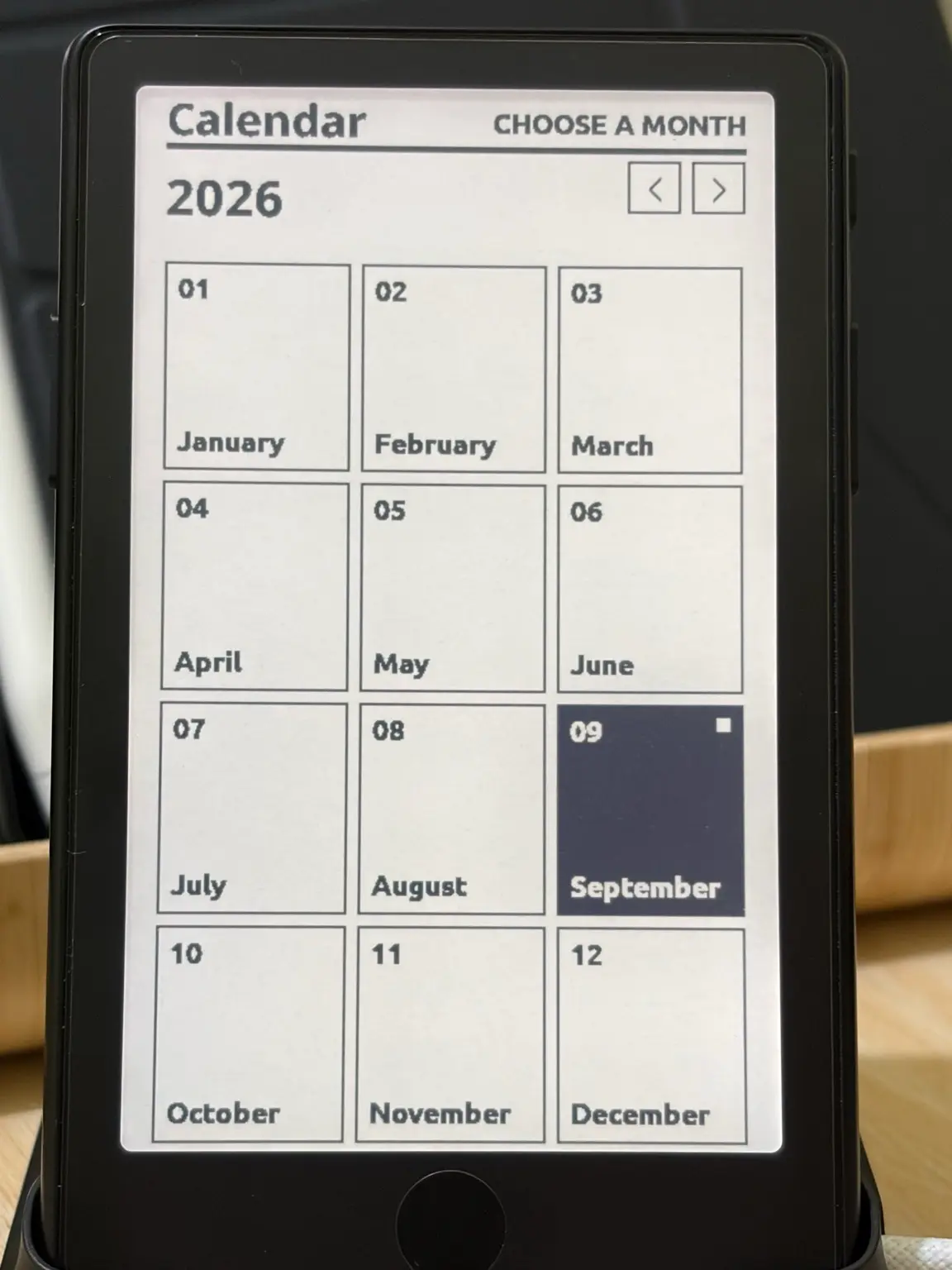
- A month view with a details panel for the selected day. Philippine public holidays for 2026 are underlined, and a short list of international and cultural observances get a dotted underline. On the X4 Pro it opens on today once the clock is set. The X4 asks for a month the first time, then opens on the last month you viewed.
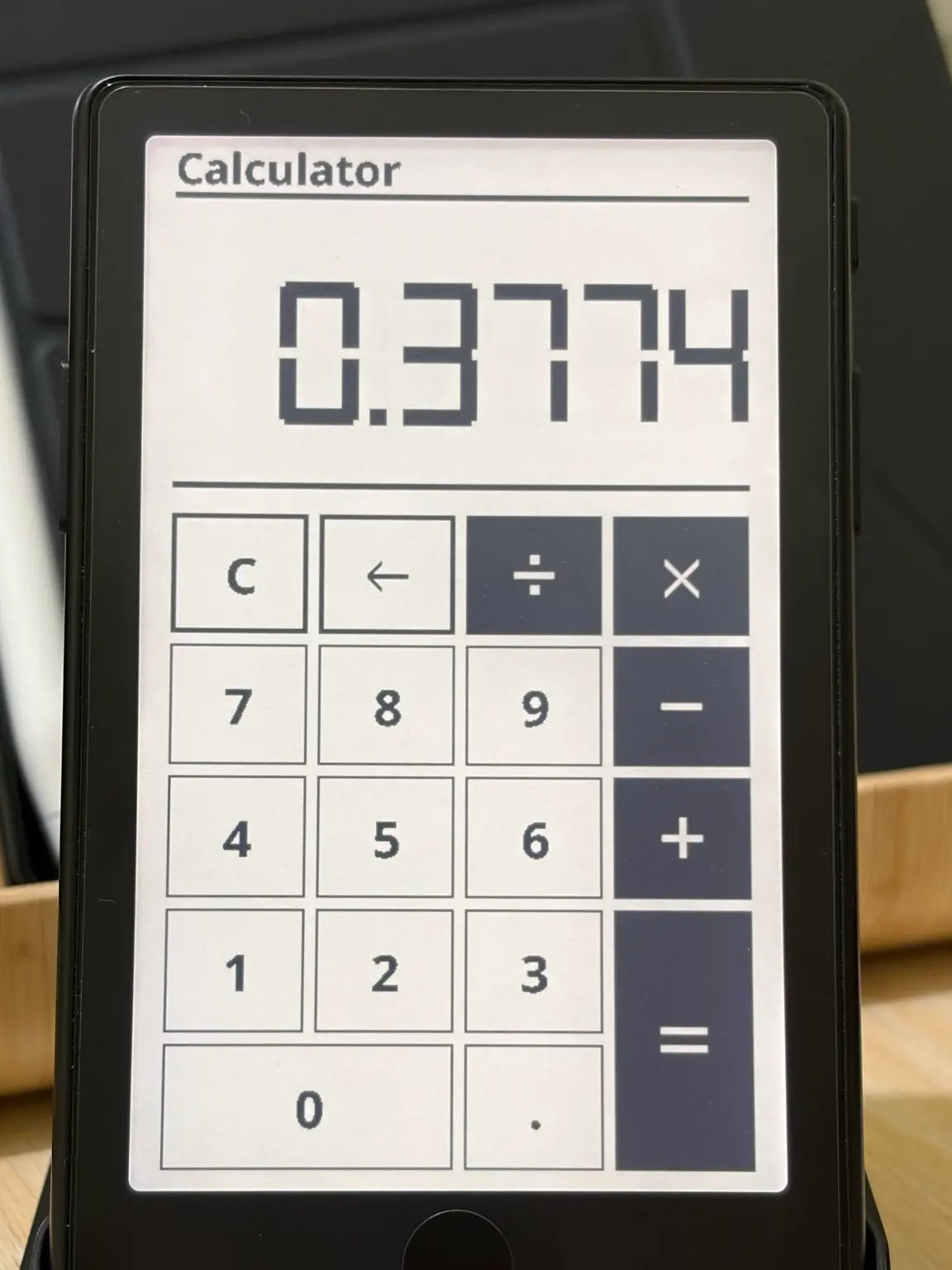
- Calculator
- A basic desk calculator. It works left to right, the way a desk calculator does, so 2 + 3 × 4 is 20, and it shows up to 12 digits. Tap the keys on the X4 Pro, or use the buttons on either device.
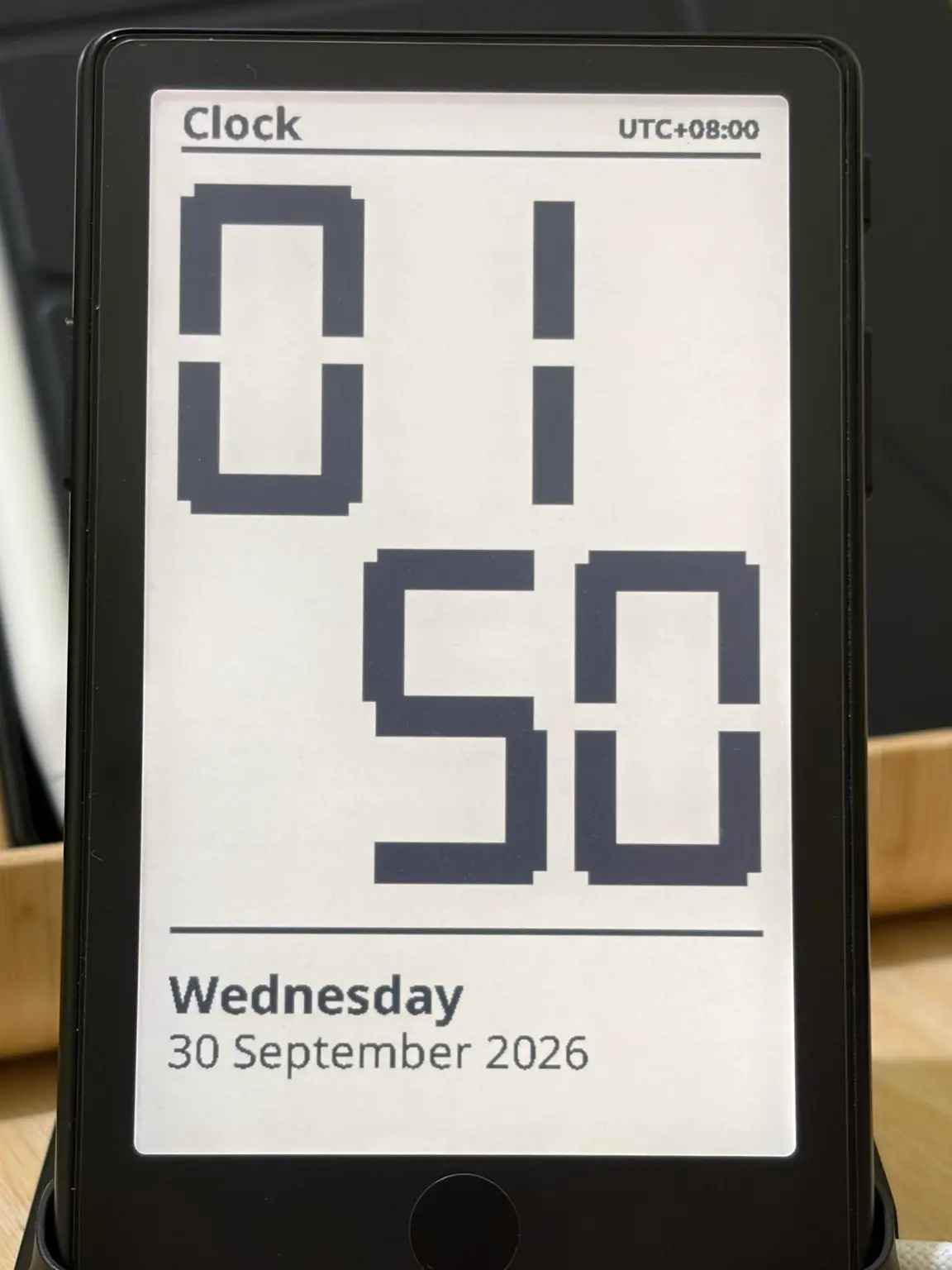
- Clock X4 Pro only
- The time in large digits, with the day and date beneath it, updated each minute. It follows the clock format and UTC offset in Settings → Customise Status Bar. The original X4 has no real-time clock, so Clock is not listed there.
From v1.0.6, the X4 Pro can also show the date outside the apps: turn on Date in Settings → Customise Status Bar. The date, such as Wed 30 Sep, appears in the corner of menu screens where there’s room, and before the time in the reader’s status bar when the clock is shown. It’s off by default.
On the original X4
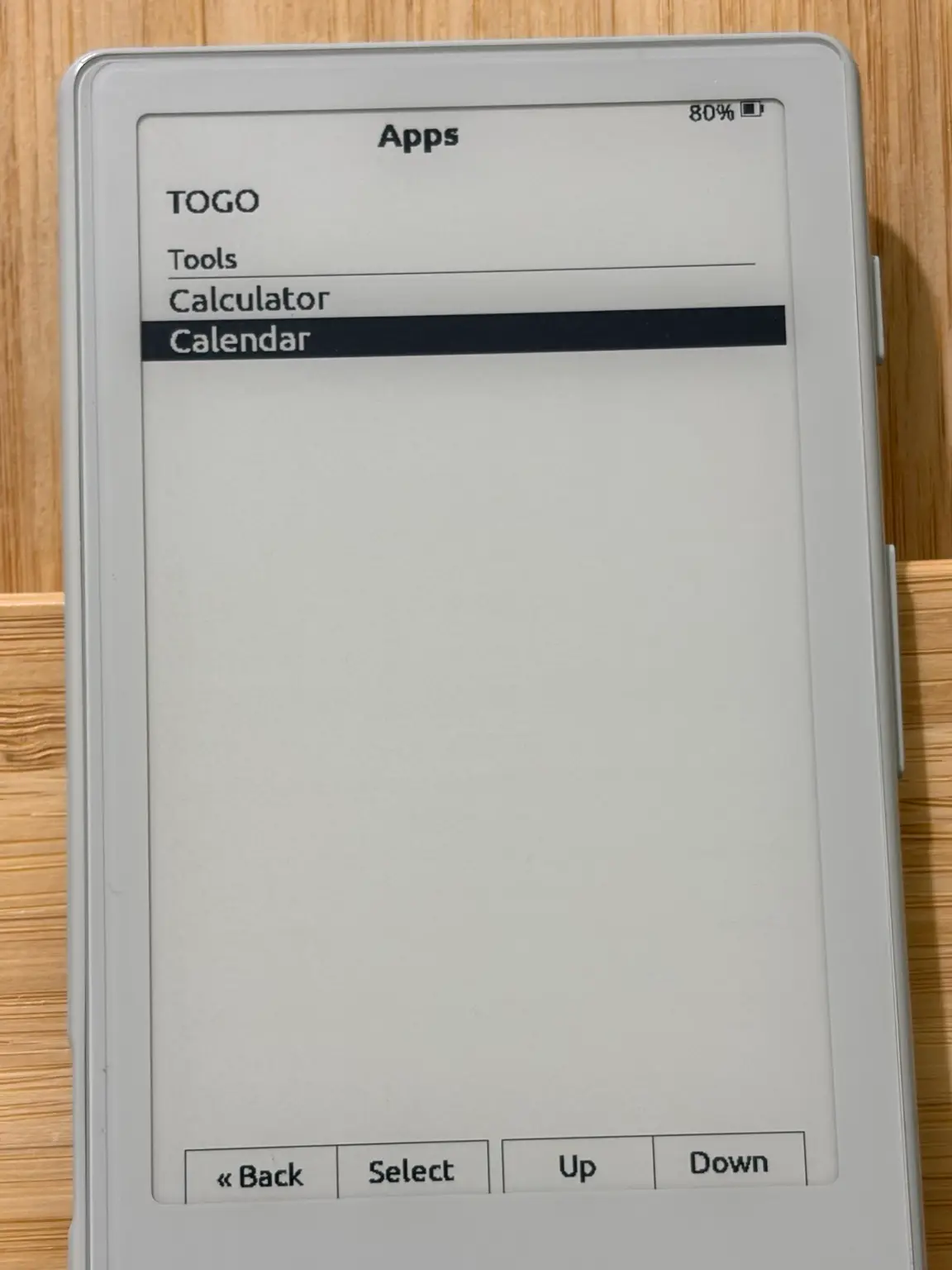
Calendar and Calculator run on the XTEINK X4 too, driven by its front buttons, with the button labels along the bottom of the screen. Without a clock, the X4’s Calendar shows your selected day but never marks one as today.
What it isn’t
Tools keeps to the basics on purpose. There are no events, reminders, notifications, accounts or sync, and nothing leaves the device.
Getting it
Tools comes with every package from release v1.0.4. Install GOTO, ON POINT or both, and Tools is in the Apps menu, under its own Tools heading from v1.0.5. If you run an earlier release, update from Settings → System → Check for updates.
- Download GOTO · XTEINK X4 and X4 Pro
- Download ON POINT · XTEINK X4 Pro